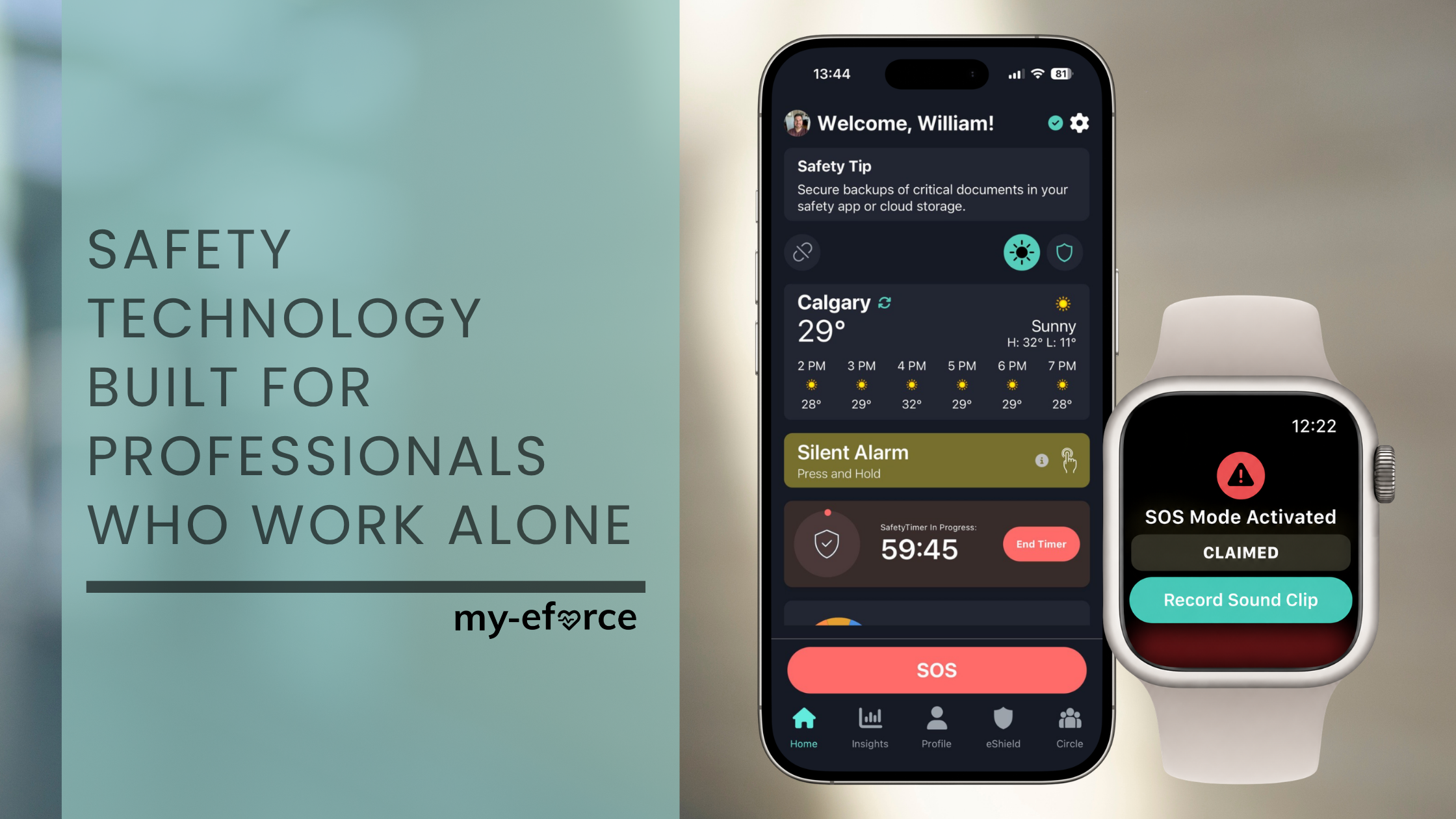
A lone worker safety app is a mobile safety solution designed to protect employees who work alone, away from colleagues, or without immediate access to help. It allows workers to signal for assistance, check in during higher-risk activities, and connect to emergency support directly from a smartphone or smartwatch.
But not all lone worker safety apps provide the same level of protection. The real question isn't just what the app can do. It's what happens when someone needs help.
At its most basic, a lone worker safety app gives employees a way to communicate that something is wrong.
More advanced solutions can provide features such as scheduled safety check-ins, panic or silent alarms, location sharing, fall and crash detection, and automated alerts.
These tools can be particularly valuable for people who regularly work independently, including:
However, sending an alert is only the beginning.
For a lone worker safety app to be truly effective, there needs to be a clear process for who receives that alert, what they do with it, and how quickly help can be coordinated.
The best lone worker safety apps should be easy enough to become part of an employee's everyday routine while providing meaningful support when something goes wrong.
That means looking beyond a panic button.
A strong solution should provide multiple ways to request help, work with technology employees already carry, support proactive safety habits, and have a reliable response process behind every emergency alert.
That's where my-eforce is different.
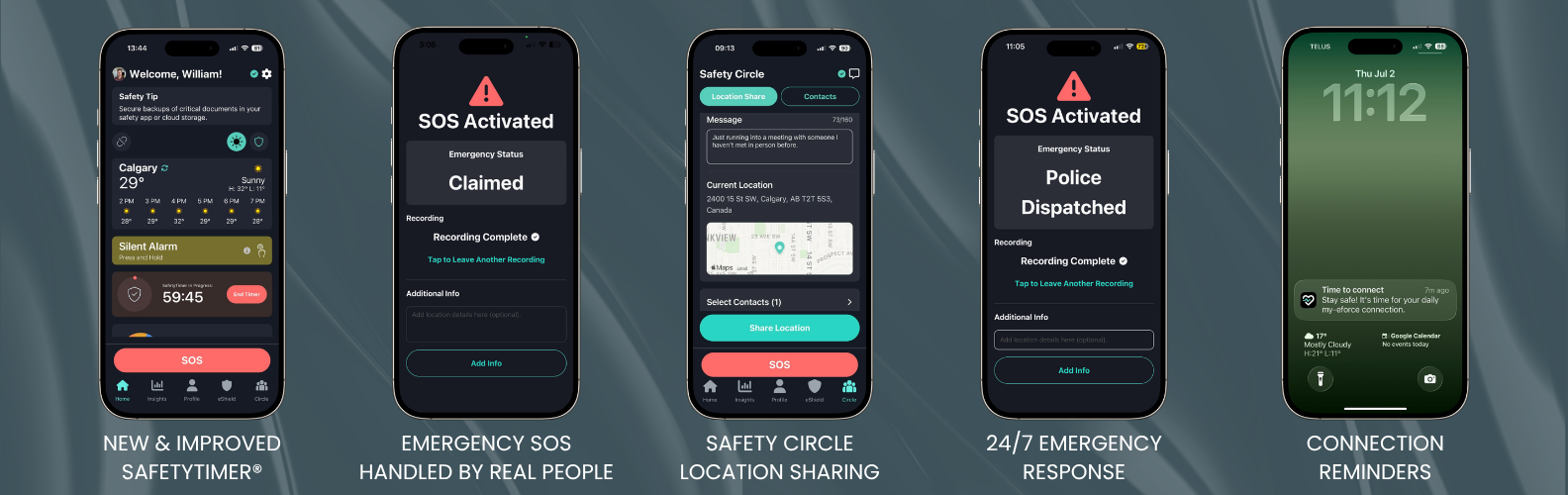
my-eforce combines mobile safety technology with fully managed, 24/7 emergency response.
Employees can use their existing smartphone or smartwatch, eliminating the need to remember, charge and carry another safety device.
Depending on the situation, my-eforce provides multiple layers of protection, including:
SafetyTimer® – Set a timer when entering a potentially higher-risk situation, with escalation if the timer expires.
Silent Alarm – Discreetly request help when openly making a call or triggering an alarm may not be safe.
Emergency SOS – Quickly initiate emergency support when immediate assistance is needed.
Safety Circle – Keep trusted contacts connected to an employee's safety when appropriate.
Location Sharing – Provide location information when it matters.
Automated Alerts – Supported smartphone and smartwatch technology can detect events such as falls or crashes and initiate an alert.
Connection Reminders – Help employees build better safety habits by reminding them to connect when they need protection.
But the most important feature isn't another button on a screen. It's the response behind it.
A lone worker shouldn't have to determine who to call during an emergency. And a manager or colleague shouldn't automatically become responsible for monitoring alerts and coordinating a response.
With my-eforce, when an emergency alert is triggered, our fully managed response process takes over. That's what turns a safety app into a safety solution.
If you're comparing lone worker safety apps for your organization, don't just ask what features are included.
Ask one more question: When my employee needs help, who actually responds?
With my-eforce, WE HANDLE THE RESPONSE.


